daylite + AI
Now in Early Access

Our goal: make you 5× more productive.

Put your business context to work. Use AI with Daylite to share the workload, focus on the right things, and keep work on track.

Are you already using Daylite?
Learn how to connect AI to Daylite
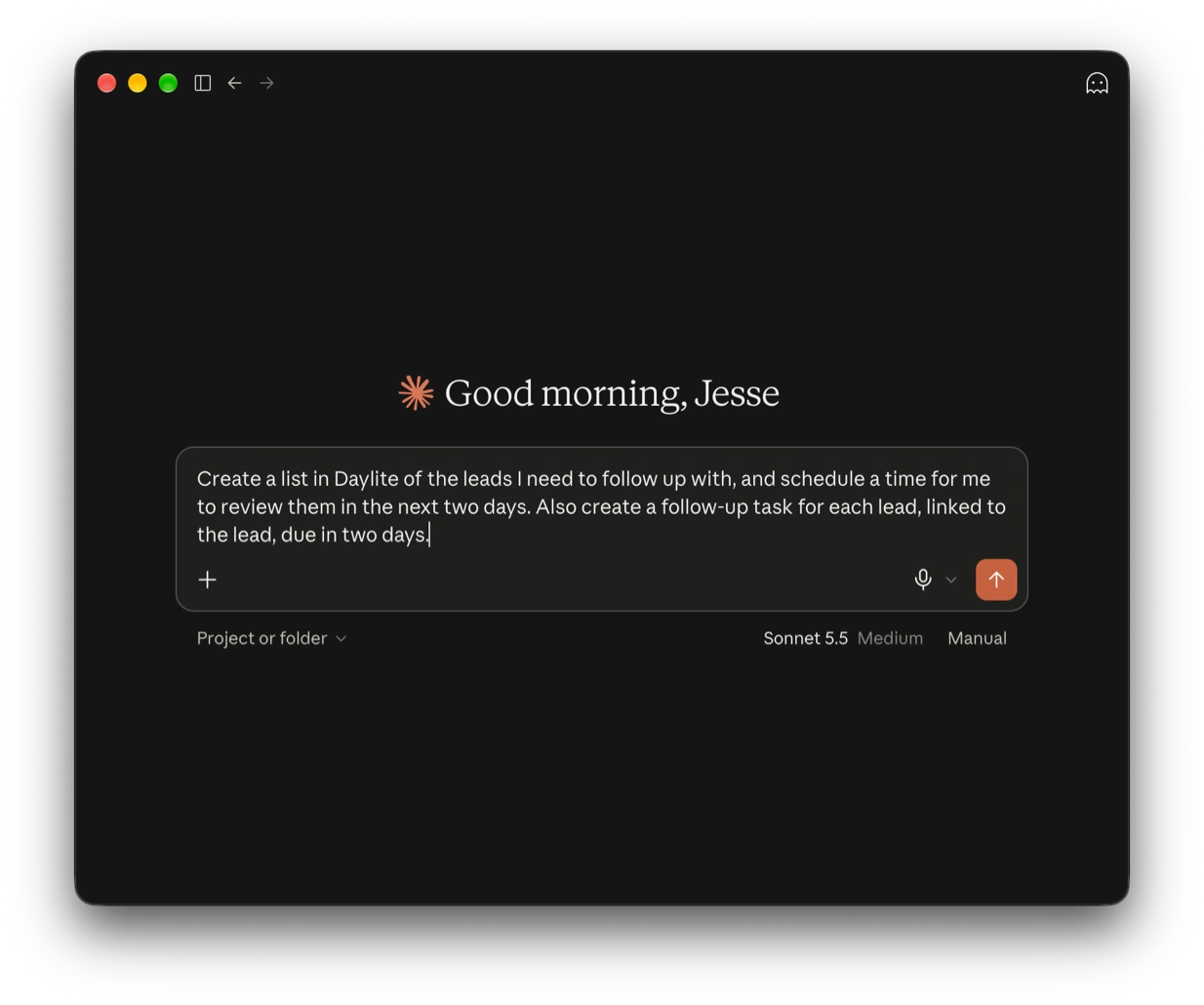
A prompt in the Claude AI app to "Create a list in Daylite of the leads I need to follow up with, and schedule a time for me to review them in the next two days. Also create a follow-up task for each lead, linked to the lead, due in two days."
see it in action

Focus on the work that actually matters.
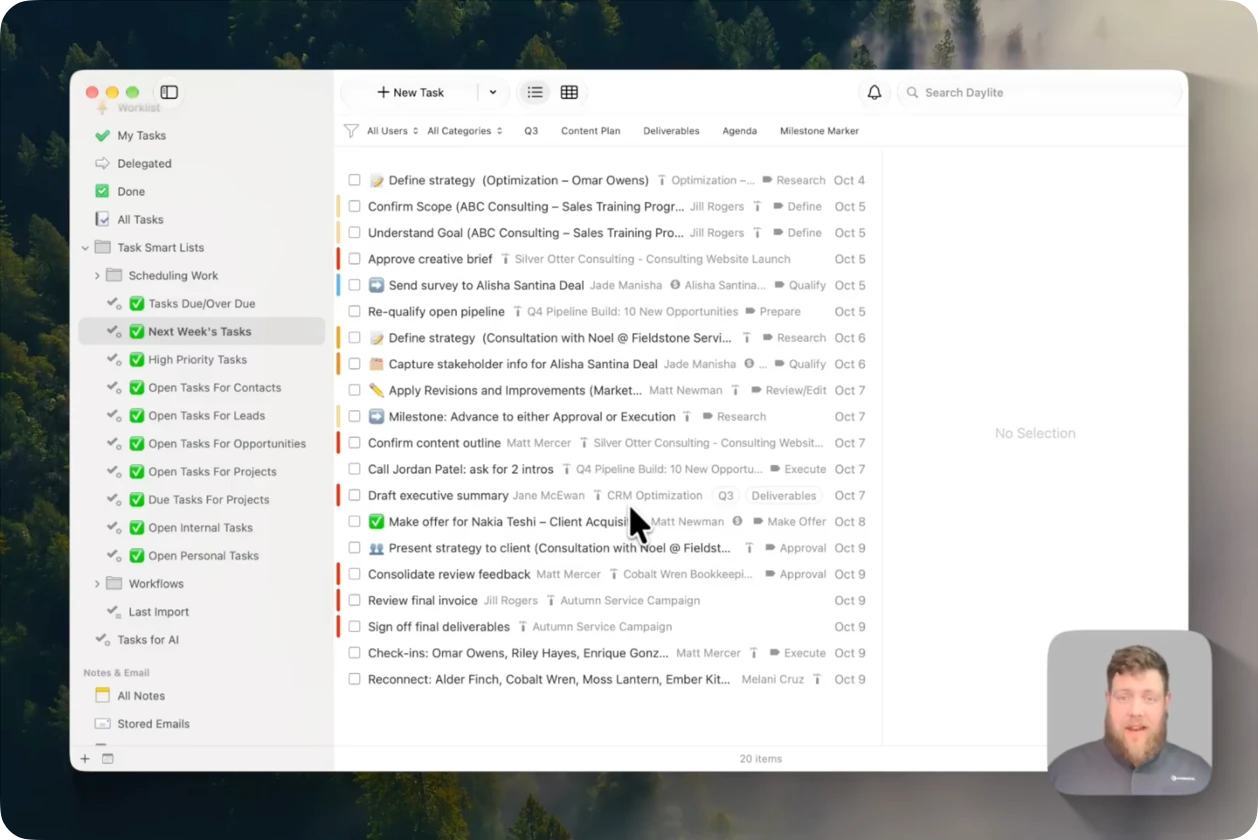
Take the busywork out. AI can use your business data and history in Daylite to show you where work is stuck, what needs attention, and who can move it forward.
four ways AI can help

Put more of your business in motion.

The possibilities of what Daylite and AI can do together are only growing as more people experiment and share their results.

1
Spread the workload evenly.
Ask AI to assign open tasks across your team, so responsibilities and follow-ups are easier to manage.
2
Focus on the right opportunities.
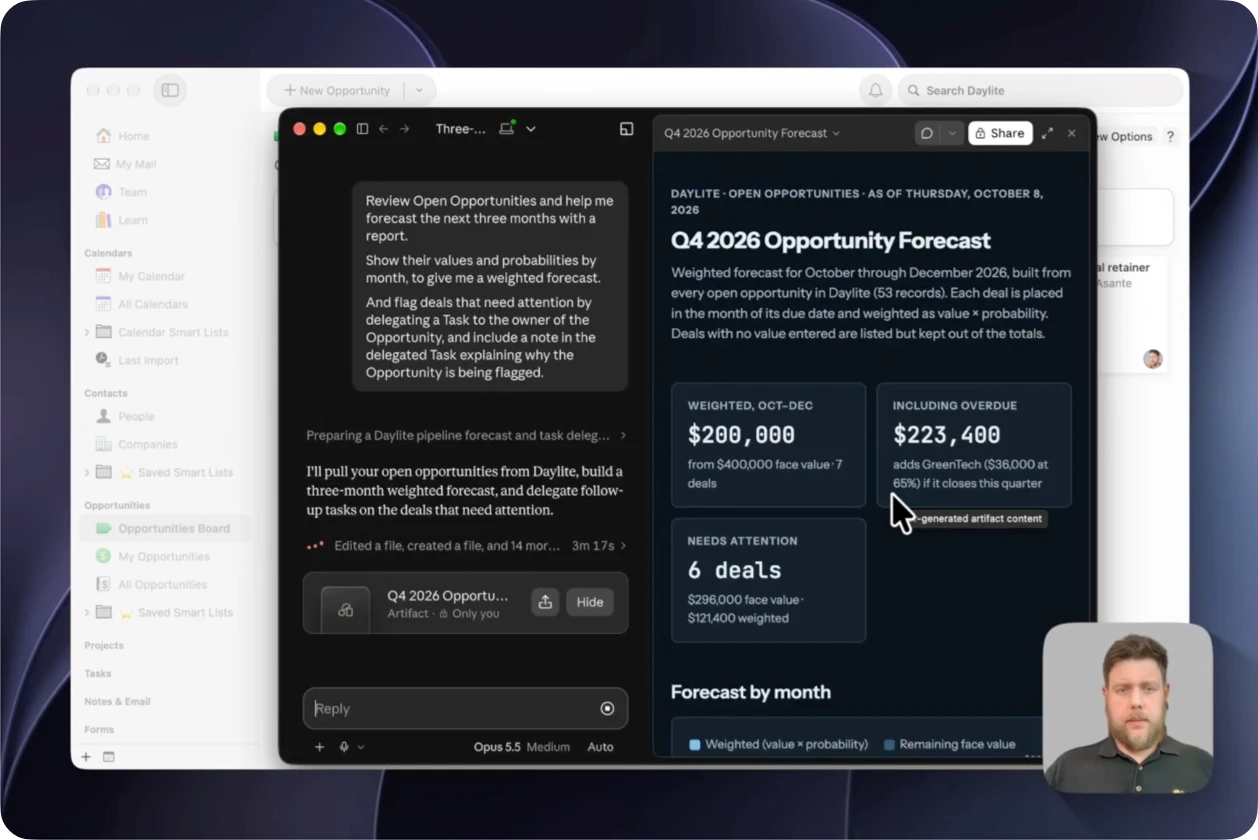
Ask AI to report on opportunities that have gone quiet and which ones deserve attention, then get it to delegate someone to follow-up.
3
Catch project risk earlier
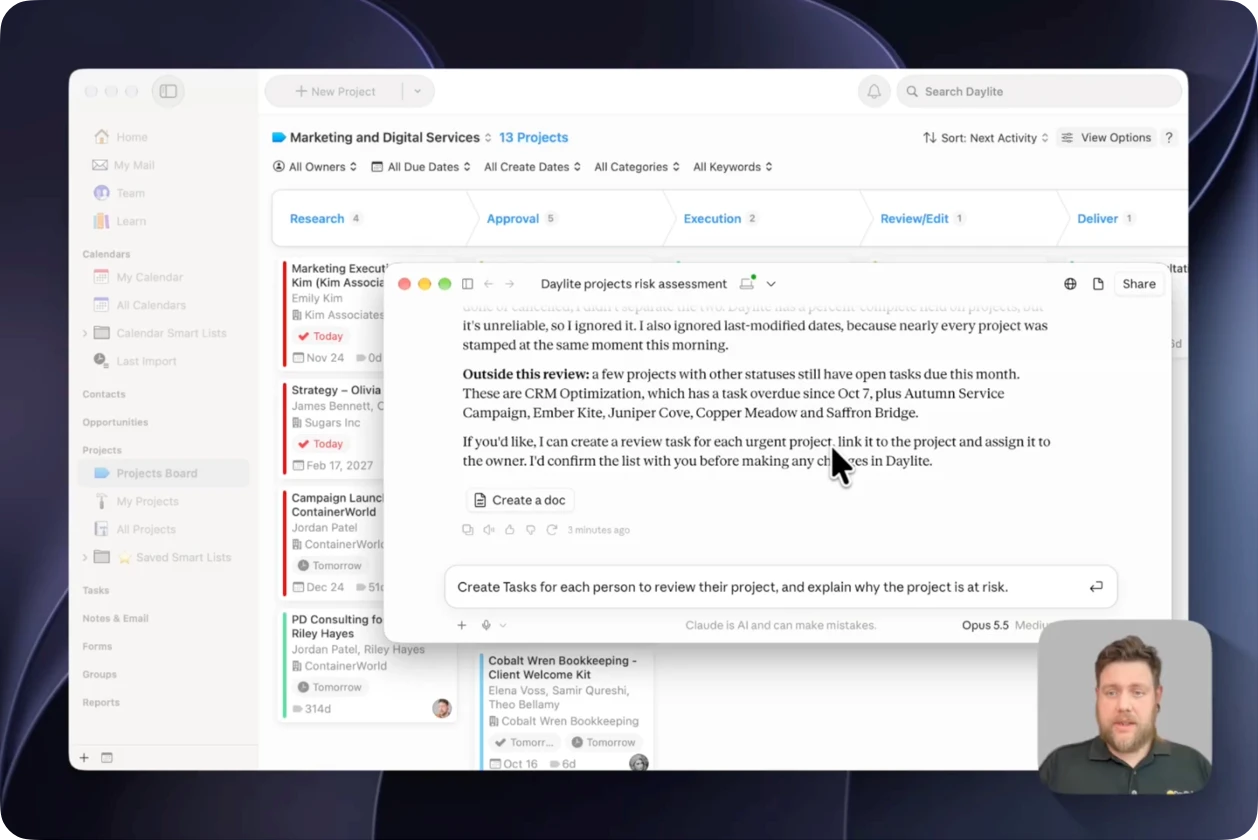
Ask AI to assess projects for any delays, missed next steps, or open decisions, so you can address project risks sooner.
4
Build reports
AI can summarize vast amounts of data and present them in tables, charts, or spreadsheets. Request PDFs, HTML, or Excel docs of whatever report you need.*

* Daylite's integration with AI is still being developed and capabilities are continuing to change.

the daylite difference

AI is only as useful as the context behind it.

Daylite doesn't just hold disconnected notes. It holds structured business data and links it all together.

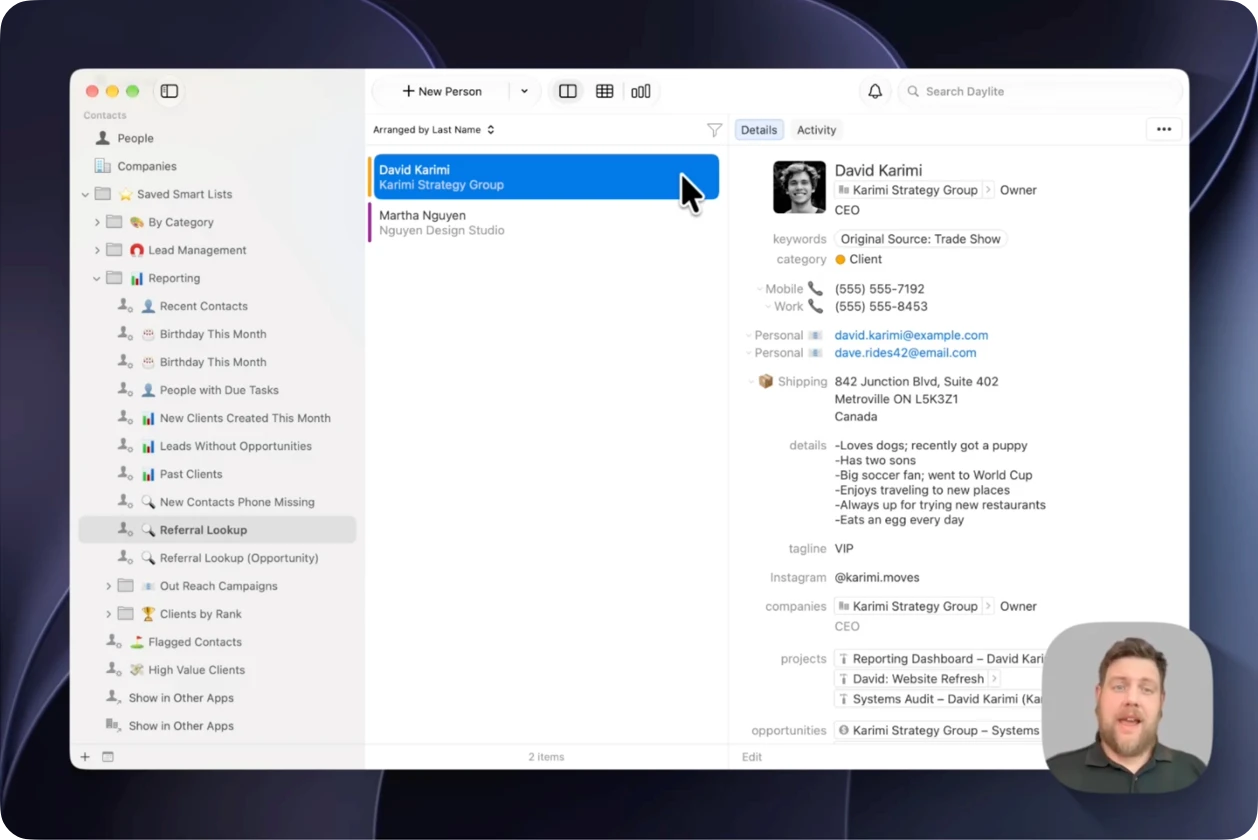
People connect to companies. Emails and appointments connect to opportunities. Tasks and notes connect to projects. That context gives Claude or Codex a useful map of who, what, when, and why.

ASK IN PLAIN LANGUAGE

Start with the question already on your mind.

No report to build. No filters to toggle. Just ask Claude or Codex to find the answer for you.

built for the whole team

One team. One connected picture.

When everyone works in the same system, every client relationship, commitment, and next step is connected to each other.

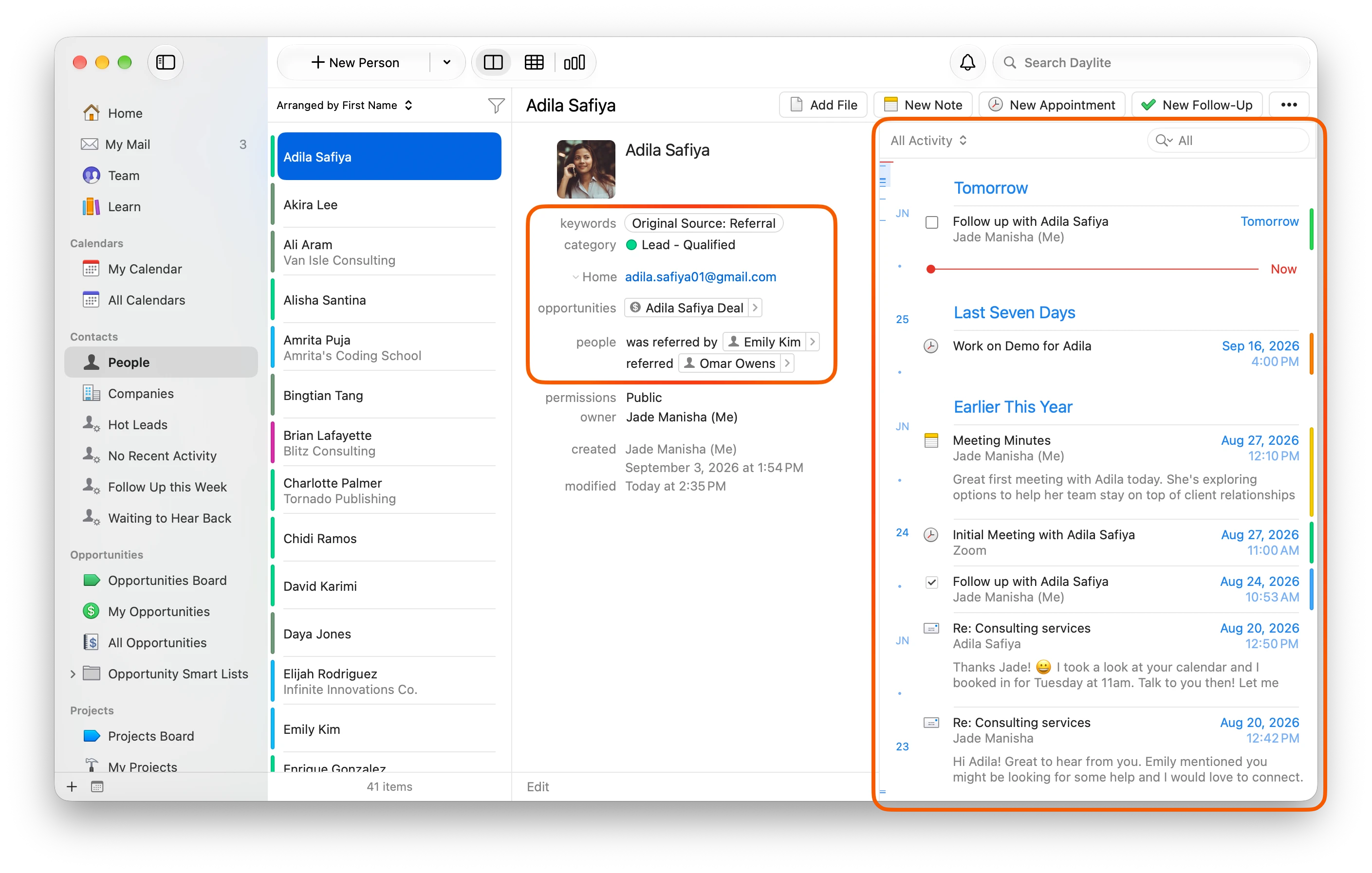
Understand ownership
Know who's responsible, what happened, and what needs attention.
Hand off with confidence
With all client and project history in one place, it's easy to pass work to the next person.
Lead with the full picture
Get AI summaries about sales, projects, and client relationships without chasing updates from every team member.
how it works

Ask and give instructions using natural language.

1
Connect
Connect Claude or Codex to Daylite through a local MCP connection on your Mac.
2
Ask
Type your questions directly into Claude or Codex, and the agent will answer using your Daylite data.
3
Review
Always review AI's answers. Ask for proof and clarification where needed.
4
Act
Ask the agent to schedule appointments, create tasks, or summarize reports in document format.

Frequently Asked Questions

What is Early Access for AI Integration with Daylite?
How do Claude and Codex connect to Daylite?
What Daylite information can the AI use?
What actions can it perform?
Does a local connection mean my data stays on my Mac?
Which AI clients are supported?
I don't want an AI application to connect to my data. How do I prevent this?
Does this work on iPhone or iPad?
Daylite + AI
Now in Early Access

Put your business context to work.

Explore the possibilities of how Daylite and AI can work together to help run your business.

Are you already using Daylite?
Learn how to connect AI to Daylite